 Soinotiin
01
Connect in moments
Find your sand painting machine over Bluetooth and keep the session ready.
Smart sand art companion
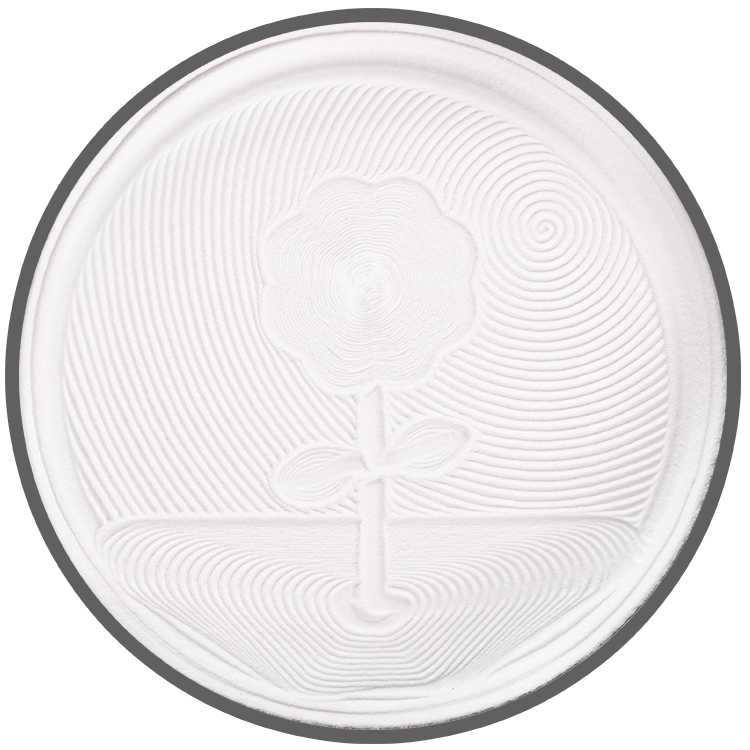
Soinotiin connects your iPhone to a smart sand painting machine over Bluetooth. Pattern pictures load from the cloud. Choose a pattern, start a drawing, and watch the table write in silence.
The app
A calm control surface for connection, artwork, playback, and machine care.
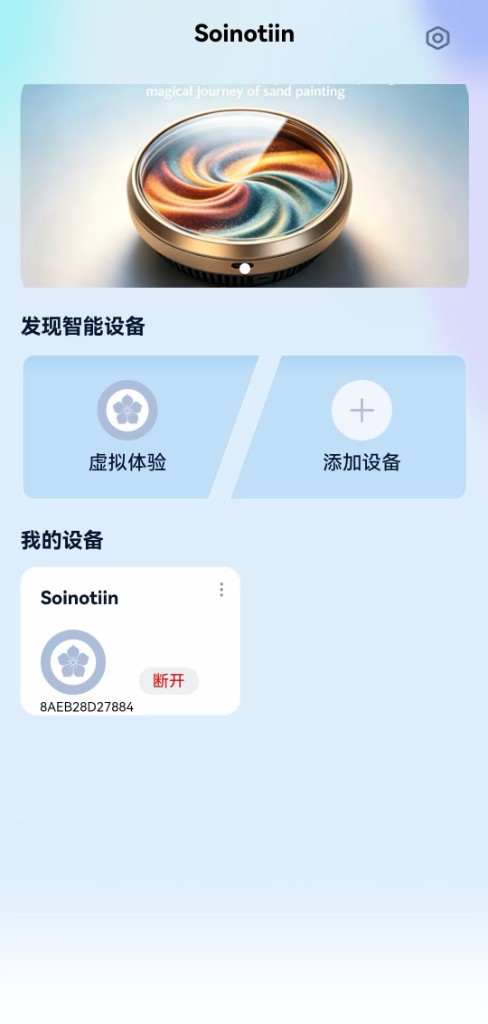
Find your sand painting machine over Bluetooth and keep the session ready.
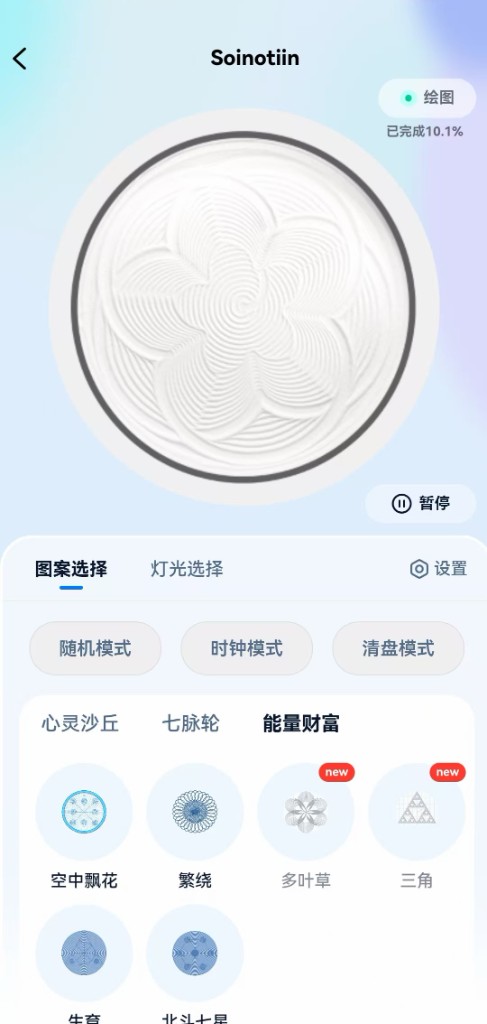
Browse patterns whose pictures load from the cloud, then send a drawing to the table over Bluetooth.
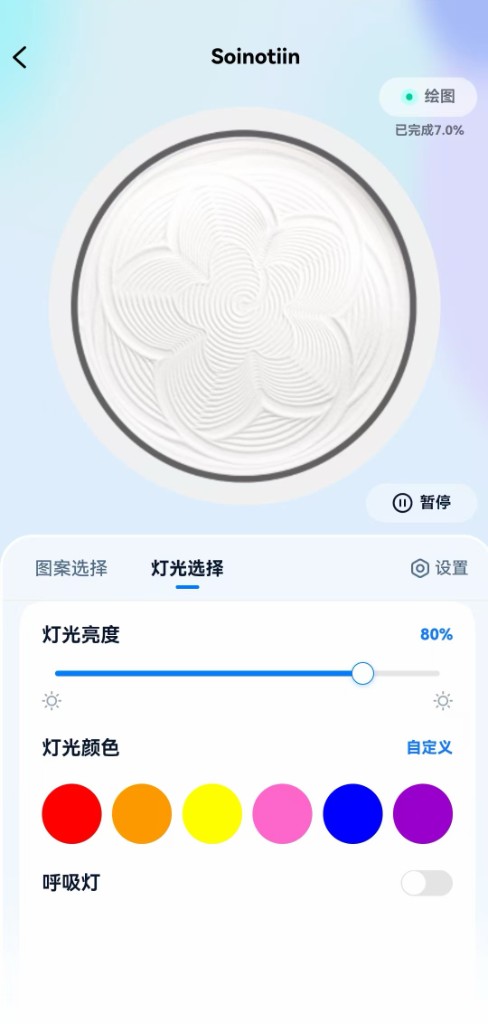
Set brightness, choose a color, or use a breathing light while the machine draws.
Start, pause, resume, or reset. Adjust speed without leaving the room’s quiet.
See connection, progress, and basic device health before a long drawing begins.
No feeds. No noise. Just the controls that belong next to a sand table.
Inside the app
Add a machine, pick a pattern, set the light, and watch the drawing move.
Three steps
Power on the table, open Soinotiin, and pair over Bluetooth. The app remembers a trusted device.
Pick a pattern from the library. Preview images download from the cloud before anything moves.
Start playback and stay nearby. Pause or reset whenever you want a clean bed of sand.
Made for
Sand remembers every pass. The app’s only job is to help the machine write clearly.
Soinotiin
Install Soinotiin, connect your machine, and begin with a single pattern.